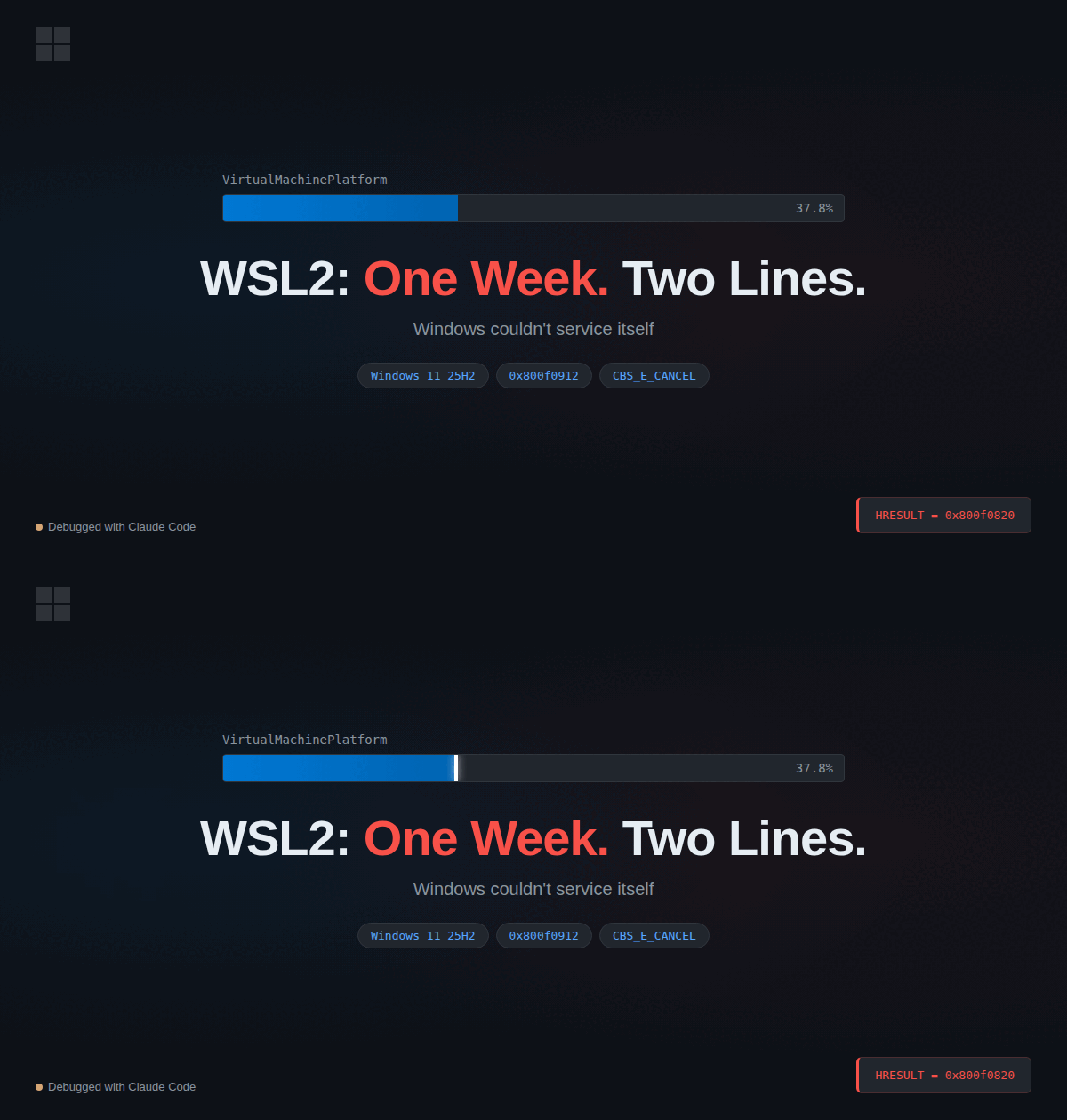
“WSL2? Five minutes, tops.” — Me, seven days ago.
TL;DR
On Windows 11 25H2 (build 26200), enabling VirtualMachinePlatform hangs at 37.8%. Forever. The servicing stack is stuck on 24H2 (build 26100) while the OS moved to 25H2 (build 26200). Windows literally cannot service itself.
Add-WindowsCapability -Online -Name "Microsoft.Windows.HyperV.VirtualMachinePlatform~~~~0.0.1.0"
dism /online /enable-feature /featurename:VirtualMachinePlatform /all /LimitAccess
If you just want the fix, there it is. If you want to know how it took a week and 10 failed attempts to arrive at two lines of PowerShell, keep reading.
Day 1: Innocence
Simple plan. Install WSL2. Set up Ubuntu 24.04. Do actual work.
wsl --install -d Ubuntu-24.0437.8%.
I made coffee. Came back. 37.8%.
I had lunch. Came back. 37.8%.
37.8 is now my least favorite number.
The Crime Scene
| OS | Windows 11 Pro 25H2 (Build 26200.8037) |
| CPU | Intel Core Ultra 9 275HX |
| DISM version | 10.0.26100.5074 |
| Servicing stack | 10.0.26100.8035 |
See it? OS is build 26200. Servicing stack is build 26100. The mechanic has last year’s manual for this year’s car. If you spotted this, you already know the ending. I did not spot this on Day 1.
Days 2-6: The Parade of Failures
GUI — Stuck. Cancel also stuck.
“Turn Windows features on/off.” Checked the box. Progress bar froze.
Clicked Cancel. Cancel froze.
A cancel button that cannot be cancelled. This is the operating system from the world’s most valuable company.
Task Manager. End Process. Moving on.
DISM — 37.8%
dism /online /enable-feature /featurename:VirtualMachinePlatform /all /norestart37.8%. We meet again.
PowerShell — Same wall, different paint
Enable-WindowsOptionalFeature -Online -FeatureName VirtualMachinePlatform -All -NoRestartCalls DISM internally. Same result. Changing the wrapper doesn’t change the candy.
Uninstalled BlueStacks — Wrong suspect
Found forum posts: “Android emulators conflict with Hyper-V.” I had BlueStacks 10 installed. Uninstalled it completely. Registry cleanup. Folder purge. The works.
Result: 37.8%.
BlueStacks was innocent. And now I have to reinstall it later.
Offline install from 24H2 ISO — Version mismatch
“If the download is the problem, go offline.”
dism /online /enable-feature /featurename:VirtualMachinePlatform /all /LimitAccess /Source:D:\Sources\Install.wim0x800f0912. The ISO is 24H2 (26100), the OS is 25H2 (26200). Windows refuses the source files because they’re from “the wrong version.” Self-compatibility is apparently optional.
Windows Update cache reset — No effect
net stop wuauserv
net stop bits
Remove-Item C:\Windows\SoftwareDistribution\Download\* -Recurse -Force
net start bits
net start wuauserv
Clean cache. Same 37.8%. Cleaning the house doesn’t fix the plumbing.
Pending operations cleanup — Partial
dism /online /cleanup-image /revertpendingactionsCleared the backlog. Feature still won’t activate. Finishing your homework doesn’t mean you’ll pass the exam.
In-place repair install — Didn’t downgrade
The nuclear option. Ran 24H2 ISO’s setup.exe with “Keep personal files and apps.”
40 minutes. Three reboots.
Result: OS stayed on 25H2 (26200). In-place install doesn’t downgrade. But it did clean up the component store. This becomes a crucial plot point later.
Day 7: Reading the Logs (Finally Using My Brain)
A week of “try something else until it works.” At this point, the question isn’t what doesn’t work — it’s why.
Select-String -Path C:\Windows\Logs\CBS\CBS.log `
  -Pattern "Error|Failed|0x800f" -Context 2 | Select-Object -Last 20
The smoking gun:
Failed to get uup features from WU, sessionData: {
  "ModuleID":"FOD",
  "Features":[{
    "name":"Windows.HyperV.OptionalFeature.VirtualMachinePlatform.Client.Disabled~"
  }]
} [HRESULT = 0x800f0820 - CBS_E_CANCEL]
download source: 8, download time (secs): 1256,
download status: 0x800f0820 (CBS_E_CANCEL)1,256 seconds. Twenty-one minutes waiting for Windows Update to deliver a package it will never find.
From the DISM log, the confession:
Dism.exe version: 10.0.26100.5074
Target image: OS Version=10.0.26200.8037
The servicing stack (26100) is trying to service a newer OS (26200). It goes to Windows Update looking for FOD packages matching this combination. Those packages don’t exist in the UUP catalog. So it waits. And waits. And times out at 37.8%.
A car mechanic with a 2023 catalog trying to order parts for a 2024 model. “This part number doesn’t exist in our system, sir.”
This is the servicing architecture of the world’s largest software company.
The Fix: Use the Back Door
DISM can’t download the FOD through its usual channel (UUP). But Add-WindowsCapability uses a different channel.
Same building. Front door is under construction. Back door is open. The sign only mentions the front door. Classic Windows UX.
# Step 1: Back door — install payload via alternative channel
Add-WindowsCapability -Online -Name "Microsoft.Windows.HyperV.VirtualMachinePlatform~~~~0.0.1.0"

# Step 2: Now activate using only local files (no internet needed)
dism /online /enable-feature /featurename:VirtualMachinePlatform /all /LimitAccess
100%.
One hundred percent.
First three-digit number I’ve seen all week.
Why This Works
[Front door — BLOCKED]
DISM enable-feature
  → Needs FOD payload
  → Windows Update UUP channel
  → Servicing stack (26100) ≠ OS (26200)
  → "Part not found in catalog"
  → 21 min timeout → CBS_E_CANCEL

[Back door — OPEN]
Add-WindowsCapability
  → Different download channel (bypasses UUP)
  → Payload installed locally ✓

DISM + /LimitAccess
  → "Internet? Don't need it."
  → Local files only
  → Success ✓
Both commands use the same Windows servicing system. But they fetch FOD packages through different channels. DISM goes through UUP, where the version mismatch kills it. Add-WindowsCapability takes a different route. The official docs don’t mention this distinction. You’re welcome.
If You Found This Article
You’ve probably already tried and failed multiple times. That means pending operations are likely piled up. Clean house first:
# Light cleanup
dism /online /cleanup-image /revertpendingactions
# → Reboot → Run the two-line fix

# If that's not enough (in-place repair)
# 24H2 ISO → setup.exe → "Keep personal files and apps"
# → Reboot → Run the two-line fix
Complete Flow (For Fresh Starts)
1. Enable virtualization in BIOS
   HP laptops: F10 → Security or Configuration → Enable VT-x
        ↓
2. Enable Hyper-V + WSL (these work fine, ironically)
   dism /online /enable-feature /featurename:Microsoft-Hyper-V-All /all /norestart
        ↓
3. Clean pending operations (if you've been trying things)
   dism /online /cleanup-image /revertpendingactions → reboot
        ↓
4. The actual fix
   Add-WindowsCapability -Online -Name "Microsoft.Windows.HyperV.VirtualMachinePlatform~~~~0.0.1.0"
   dism /online /enable-feature /featurename:VirtualMachinePlatform /all /LimitAccess
        ↓
5. Reboot → Install WSL2
   wsl --install -d Ubuntu-24.04
Is This Your Problem?
# Check version mismatch in DISM log
Get-Content C:\Windows\Logs\DISM\dism.log -Tail 100
# "version:" ≠ "image version:" → yes, this is your problem

# Check CBS log for the specific failure
Select-String -Path C:\Windows\Logs\CBS\CBS.log `
  -Pattern "Error|Failed|0x800f" -Context 2 | Select-Object -Last 20
# "CBS_E_CANCEL" → yes, this is your problem

# Verify CPU virtualization (prerequisite)
Get-CimInstance -ClassName Win32_Processor |
  Select-Object VirtualizationFirmwareEnabled, VMMonitorModeExtensions
Summary
| Symptom | VirtualMachinePlatform stuck at 37.8% |
| Root cause | 25H2 OS (26200) + 24H2 servicing stack (26100) = FOD download mismatch |
| Fix | Add-WindowsCapability to bypass → dism /LimitAccess to activate |
| Prerequisite | Clear pending operations |
| Cost | One week of evenings. One wrongly accused BlueStacks. A lasting distrust of progress bars. |
Lessons
- Read the logs first. “Try random things until something works” is the scenic route to nowhere.
- Windows Insider means signing up for this. 25H2 is a preview build. The servicing stack hasn’t caught up. Now you know.
- Same building, multiple doors. When DISM fails,
Add-WindowsCapabilityexists. The docs won’t tell you. - Feed your logs to AI. Nobody should read 160,000 lines of CBS log with their own eyes.
This troubleshooting session was done with Claude Code. It pulled the critical 6 lines from a 160,000-line CBS log and helped identify the Add-WindowsCapability back door. Without it, this would have ended with a format and reinstall.